🧪 Diagnostic Commands
Diagnostic commands are the first tools used by help desk engineers and network administrators. They help identify where the problem is before touching cables or configurations—especially in networks using Cisco Systems devices.
🟢 1️⃣ ping — Connectivity Test
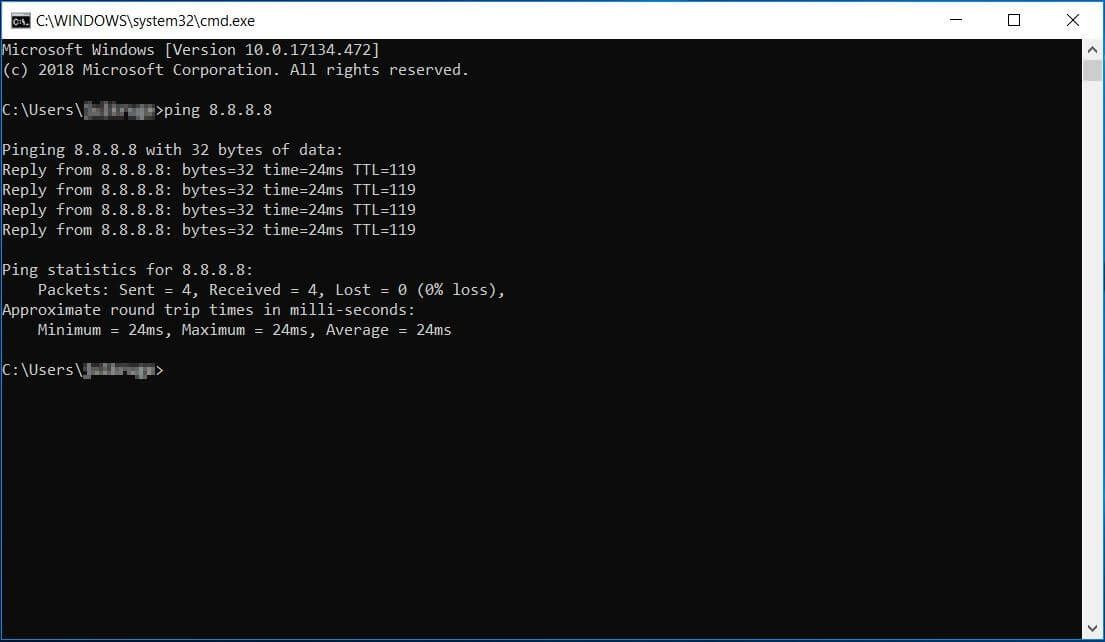
📌 What Is ping?
ping checks:
- Is the destination reachable?
- Is the network path working?
- How long packets take (latency)
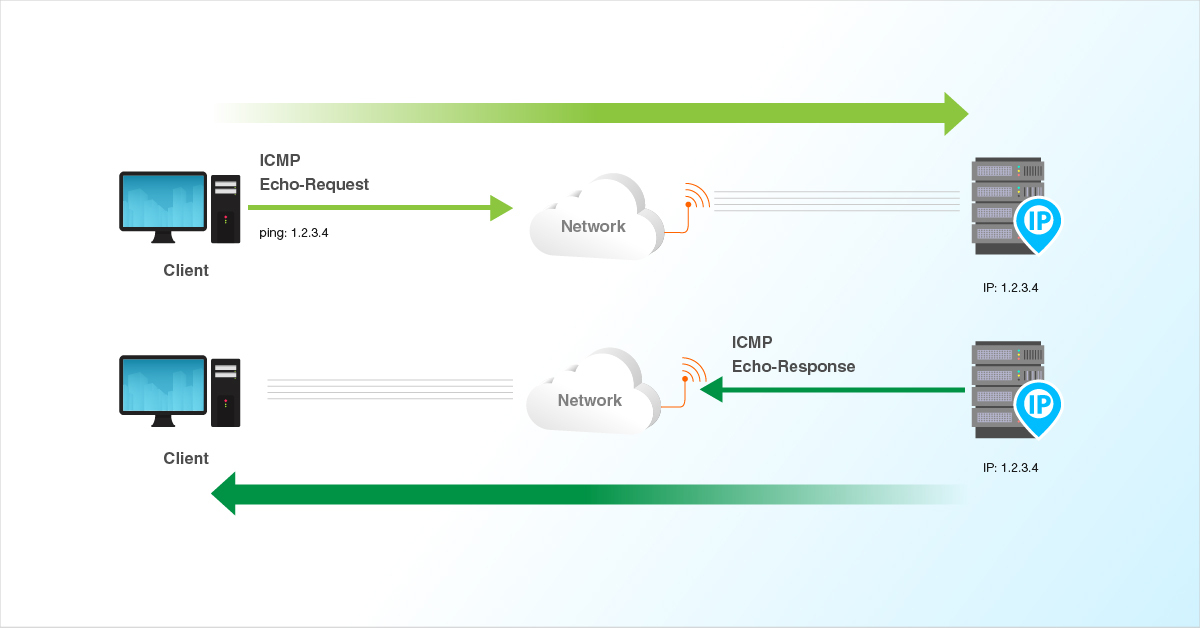
ping uses ICMP Echo Request / Echo Reply
🔧 Syntax
    ping google.com
    ping 8.8.8.8
🧪 Example Outputs
Reply from 8.8.8.8: time=23ms TTL=118
- ✔ Network reachable
- ✔ DNS works (if domain name used)
Request timed out.
Possible reasons:
- Device offline
- Firewall blocking ICMP
- Wrong IP address
- Network down
🧠 Troubleshooting Logic with ping
| Ping Target | Meaning |
|---|---|
| 127.0.0.1 | TCP/IP stack OK |
| Own IP | NIC working |
| Gateway | LAN OK |
| Internet IP | Routing OK |
| Domain fails | DNS issue |
Always ping step-by-step
🖥️ 2️⃣ ipconfig / ifconfig / ip — IP Information
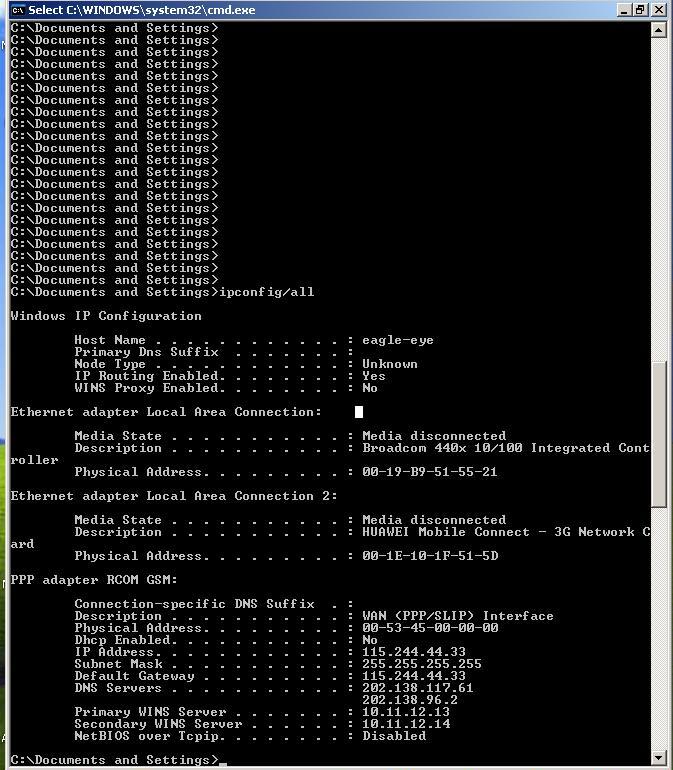
These commands display:
- IP address
- Subnet mask
- Default gateway
- DNS servers
🔧 Commands by OS
    Windows:
    ipconfig
    ipconfig /all

    Linux:
    ifconfig
    ip addr

    macOS:
    ifconfig
🧪 Example (Windows)
    IPv4 Address : 192.168.1.10
    Subnet Mask  : 255.255.255.0
    Default GW   : 192.168.1.1
- ✔ Correct IP → Local network works
- ❌ Missing gateway → No internet
🧠 Common Problems Found
- 169.254.x.x → DHCP failed
- Wrong subnet mask → Local communication fails
- Wrong gateway → Internet fails
169.254.x.x = DHCP problem
🧭 3️⃣ tracert / traceroute — Path Discovery
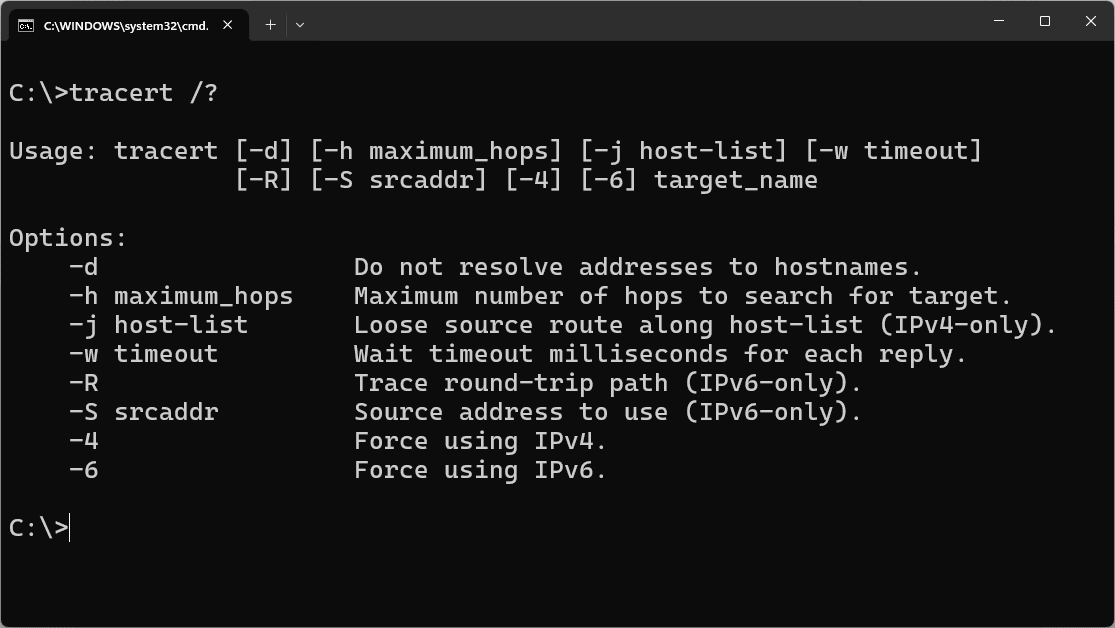
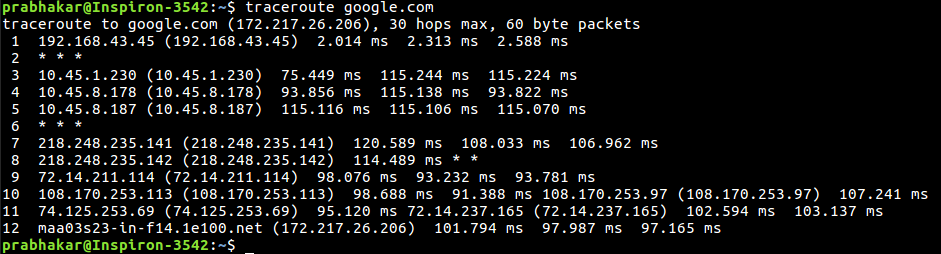
📌 What Does It Do?
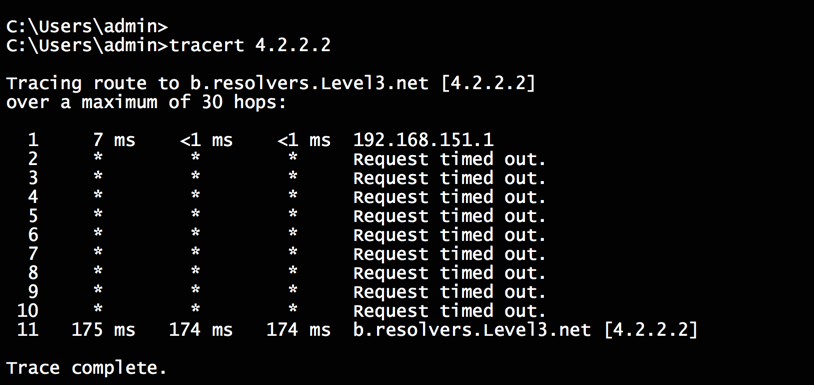
Shows every router (hop) a packet passes through to reach a destination.
🔧 Commands
    Windows:
    tracert google.com

    Linux / macOS:
    traceroute google.com
🧪 Example Output
    1  192.168.1.1
    2  10.10.0.1
    3  ISP Router
    4  google.com
✔ Helps identify where traffic stops
❌ Asterisk (*) Meaning
* * *
- Router not responding
- Firewall blocking ICMP
- Packet dropped
Traceroute shows path, not speed
🌐 4️⃣ nslookup — DNS Testing Tool
📌 What Is nslookup?
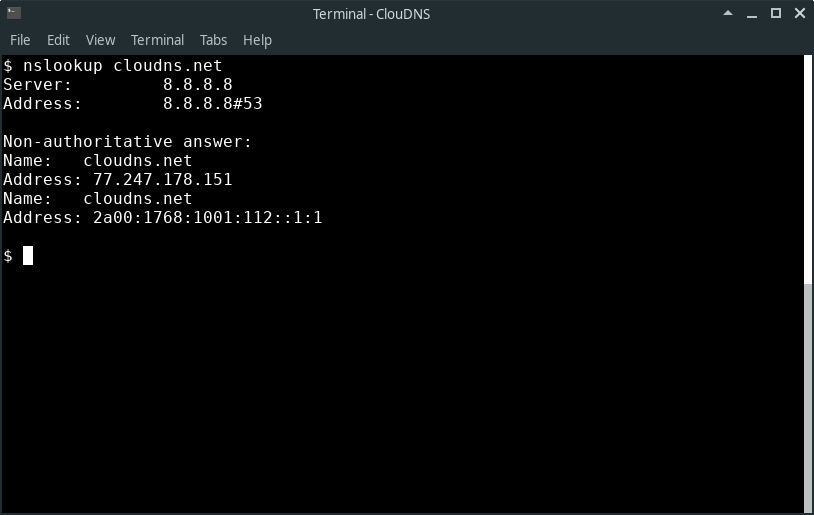
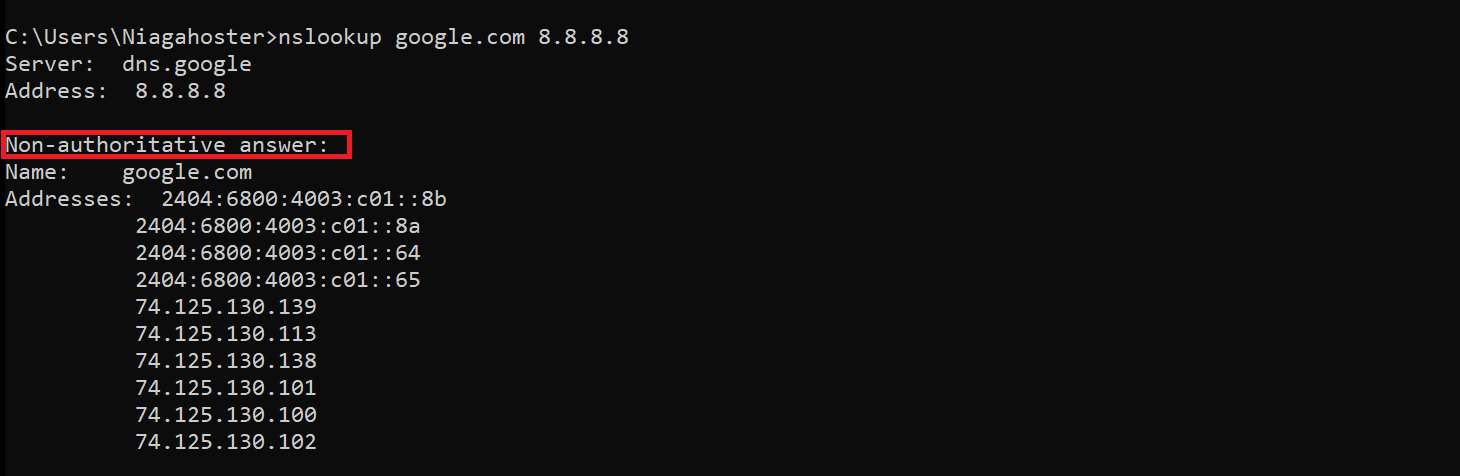
nslookup checks DNS resolution and shows which IP address a domain resolves to.
🔧 Syntax
nslookup google.com
🧪 Example Output
    Name: google.com
    Address: 142.250.192.14
✔ DNS working correctly
❌ DNS Failure Example
DNS request timed out
- DNS server down
- Firewall blocking UDP 53
- Wrong DNS configured
IP ping works + name fails → DNS issue
🔥 5️⃣ Firewall Impact on Results

Firewalls can affect command results even when the network is healthy.
🚫 How Firewalls Affect Commands
- ping: ICMP blocked → Request timed out
- tracert: Hop replies blocked → * * *
- nslookup: DNS blocked → Name resolution fails
Timeout ≠ Network down
Always consider security rules
Always consider security rules
🧠 Real Help Desk Troubleshooting Flow
- ipconfig → Check IP & gateway
- ping 127.0.0.1 → TCP/IP check
- ping gateway → LAN check
- ping 8.8.8.8 → Routing check
- nslookup google.com → DNS check
- tracert → Path issue
📊 Diagnostic Commands – Quick Comparison
| Command | Purpose |
|---|---|
| ping | Reachability |
| ipconfig / ifconfig | IP details |
| tracert / traceroute | Path discovery |
| nslookup | DNS resolution |
| Firewall | May block results |