🔌 Network Device Ports
Network devices such as switches, routers, and firewalls have different ports, each designed for a specific purpose. Knowing which port to use, when, and why is critical for CCST exams, Cisco Packet Tracer, and real installations— especially on devices from Cisco Systems.
🖥️ 1️⃣ Console Port (Management Port)
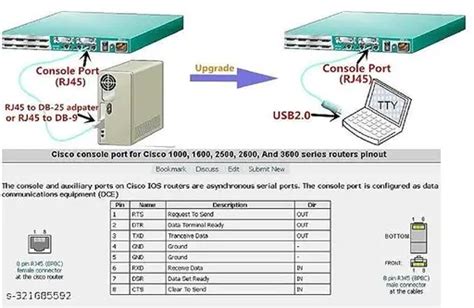
📌 What Is It?
- Used for initial device configuration
- Out-of-band management (no network required)
- Direct access to device CLI
🔧 Cable Used
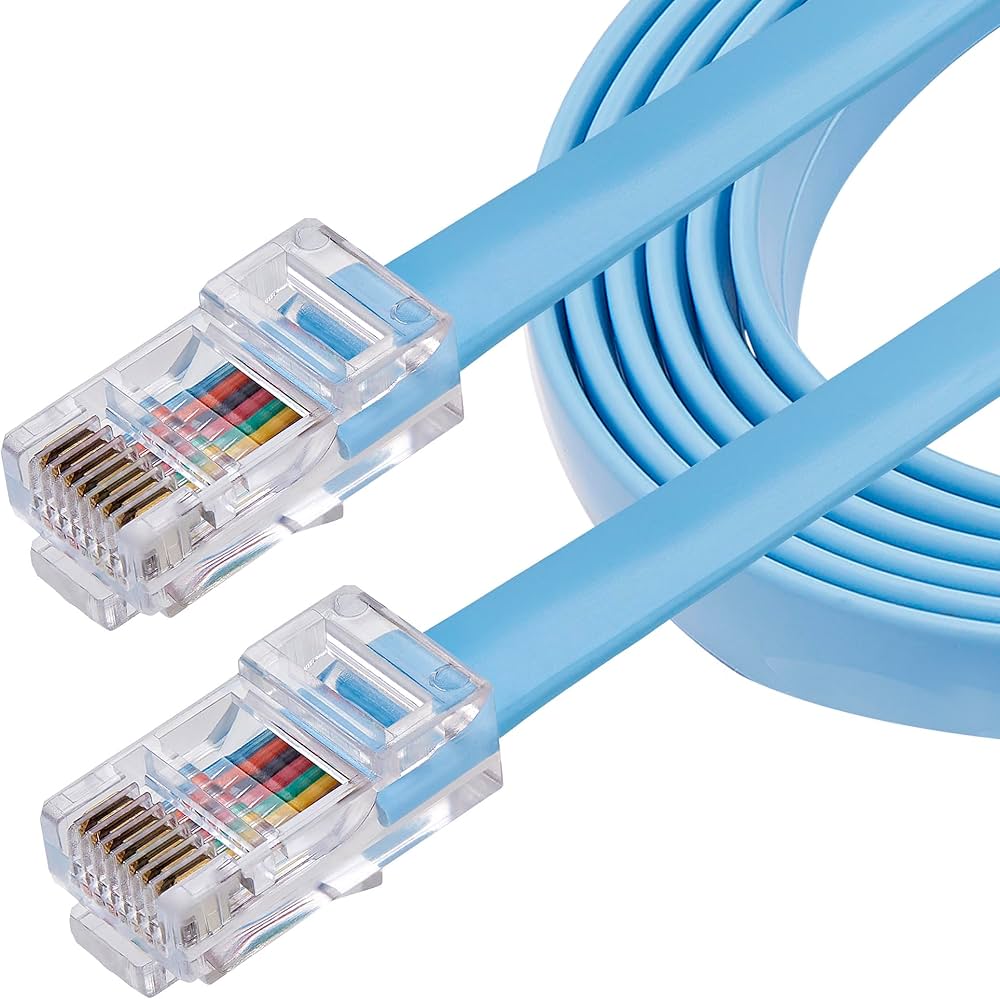
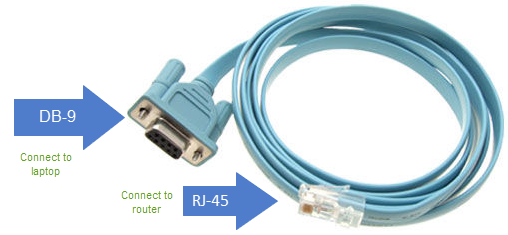
- Console (rollover) cable
- RJ-45 ↔ USB (modern laptops)
🧠 When Do You Use It?
- First-time setup
- Password recovery
- When the network is down
Laptop ── Console Cable ── Router / Switch
Console port = Device setup & troubleshooting
🔁 2️⃣ Serial Port (WAN / Legacy)
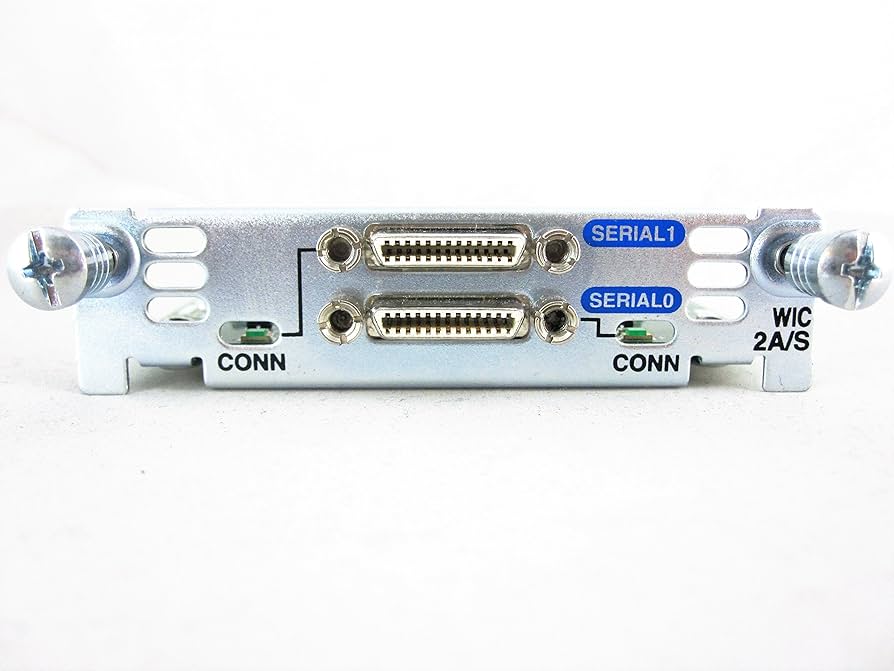
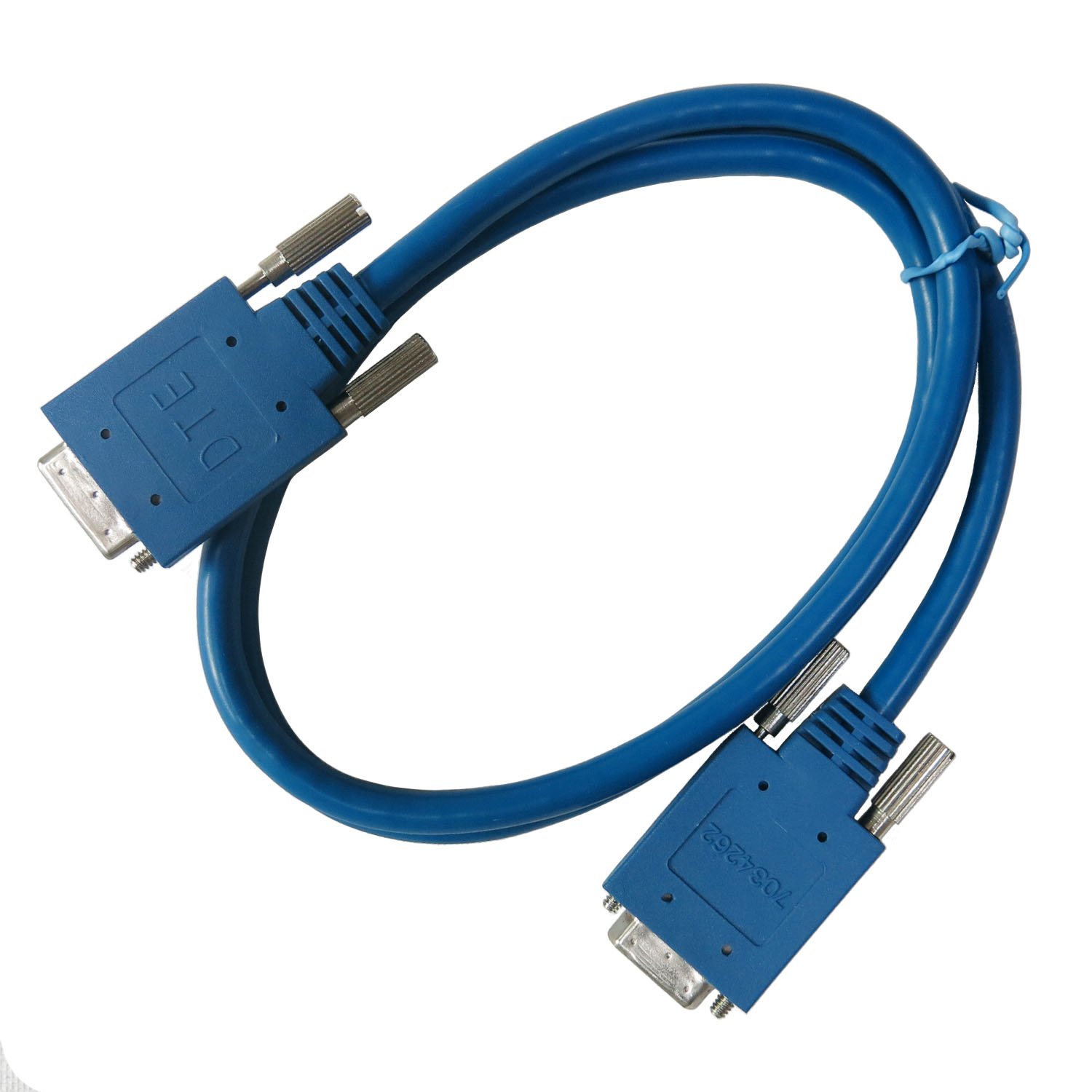
📌 What Is It?
- Used for WAN connections
- Common on older routers
- Supports long-distance communication
🔧 Cable Used
- DCE / DTE serial cable
🧠 Where You See It?
- Router-to-router WAN links
- Lab environments
Router ── Serial ── Router
Serial ports are WAN interfaces
🌐 3️⃣ Ethernet Ports (MOST COMMON)
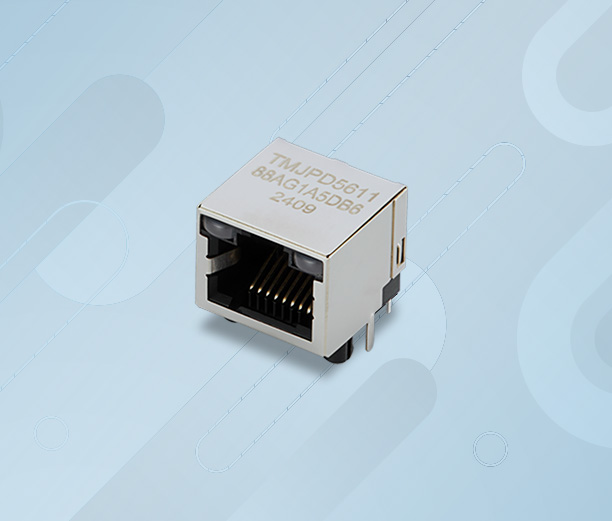
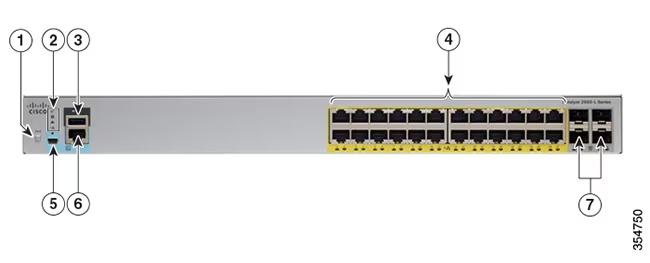
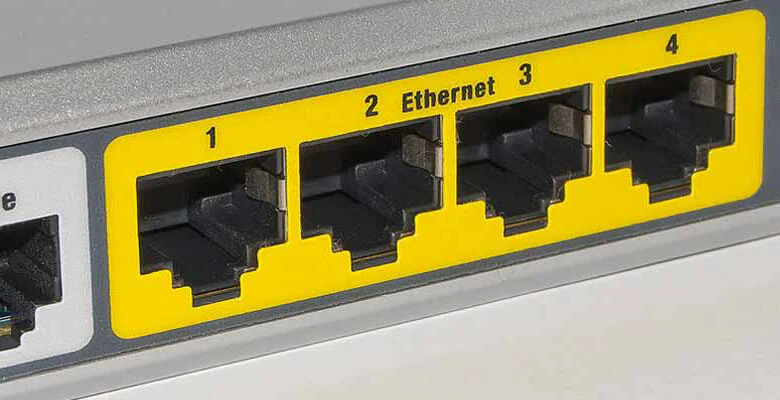
📌 What Is It?
- Used for LAN communication
- Uses RJ-45 connector
- Found on all modern network devices
🔧 Cable Used
- Ethernet patch cable
- Straight-through
- Crossover (legacy)
🧠 Speed Types
- FastEthernet (100 Mbps)
- GigabitEthernet (1 Gbps)
- 10 Gigabit Ethernet
PC ── Ethernet ── Switch ── Ethernet ── Router
Ethernet = LAN data traffic
4️⃣ Fiber Ports (High Speed & Long Distance)
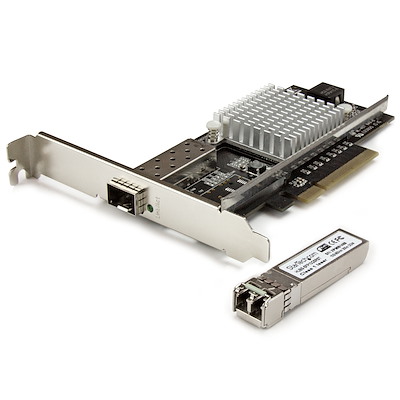
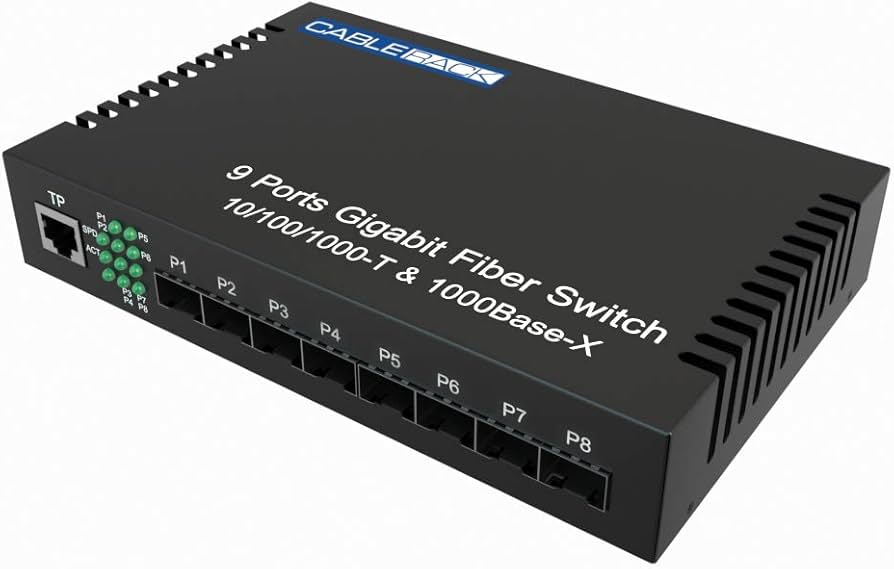
📌 What Is It?
- Uses optical fiber
- Very high speed
- Very long distance
- Immune to EMI
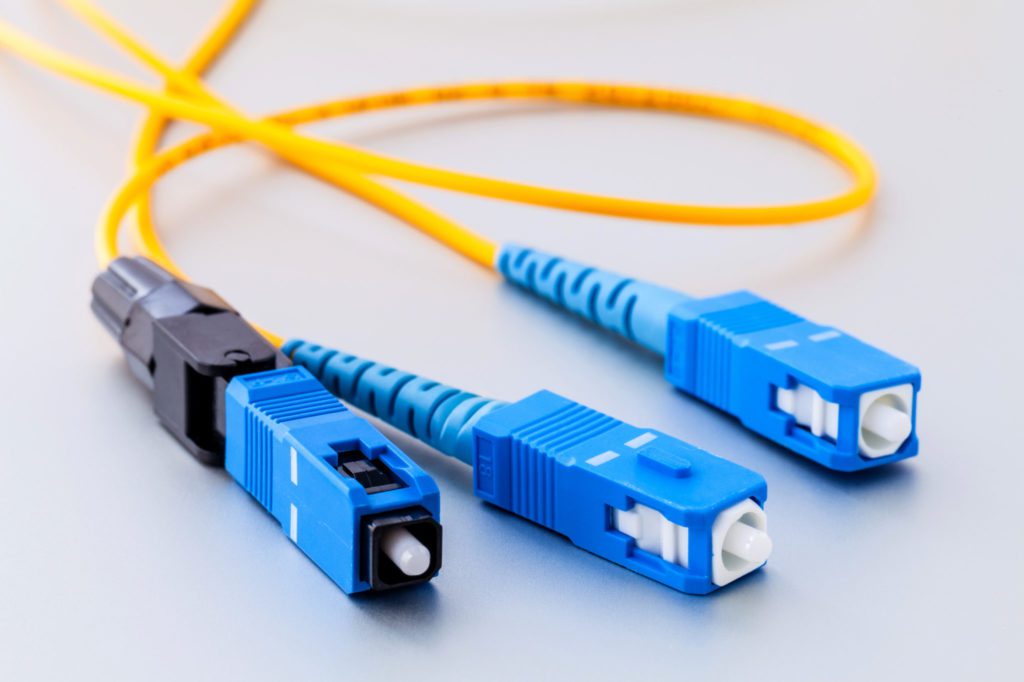
🔧 Connector Types
- LC
- SC
🧠 Used In
- Data centers
- Backbone links
- Inter-building connections
Switch ── Fiber ── Core Switch
Fiber = Fast + Long distance
🔌 5️⃣ SFPs (Small Form-factor Pluggable)
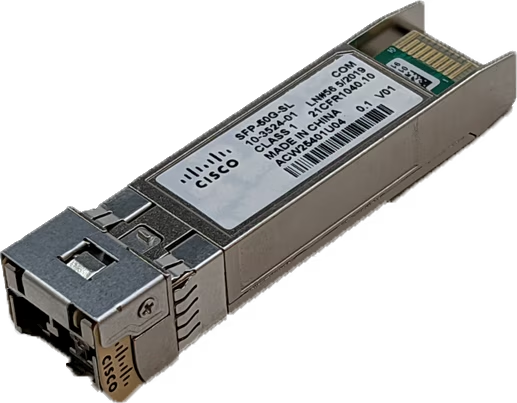
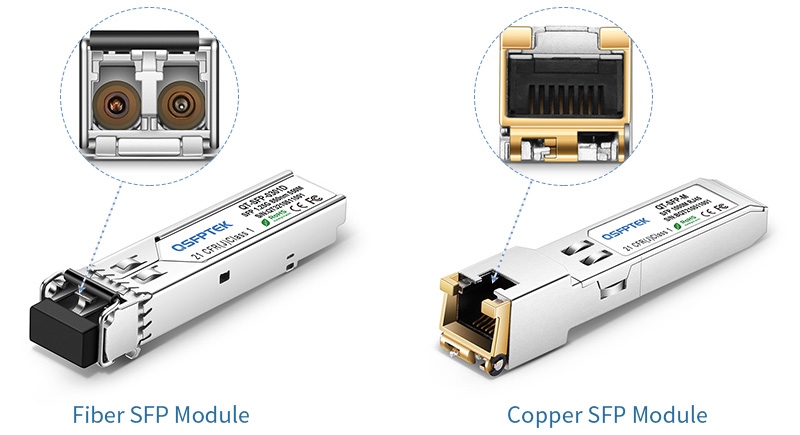
📌 What Is an SFP?
- Removable transceiver module
- Converts port to fiber or copper
🔧 Types
- Fiber SFP (LC connector)
- Copper SFP (RJ-45)
🧠 Why SFP Is Important?
- Flexibility
- Upgrade speed without changing device
Switch ── SFP ── Fiber Cable ── Switch
SFP = Pluggable interface
🔋 6️⃣ USB Ports (Management & Storage)
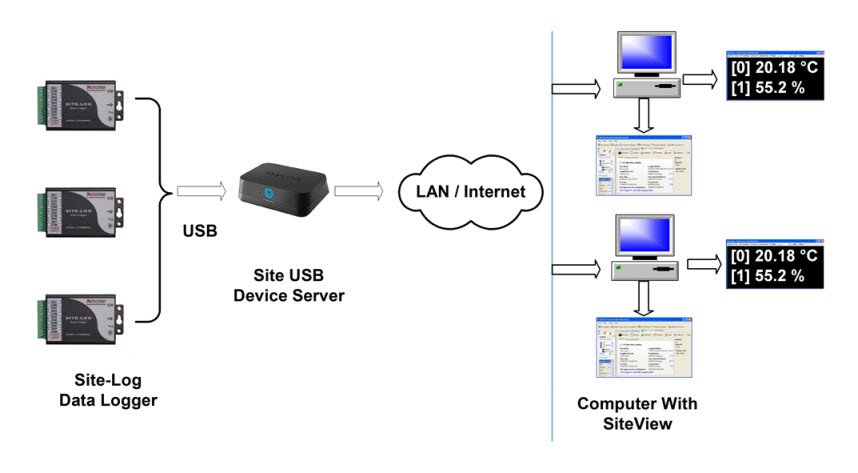
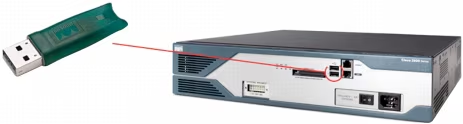
📌 What Is It Used For?
- Load or save configuration
- Backup IOS / firmware
- Store logs and files
Not used for network traffic
USB Drive ── Router USB ── Configuration Backup
USB = File & config management
⚡ 7️⃣ PoE (Power over Ethernet)
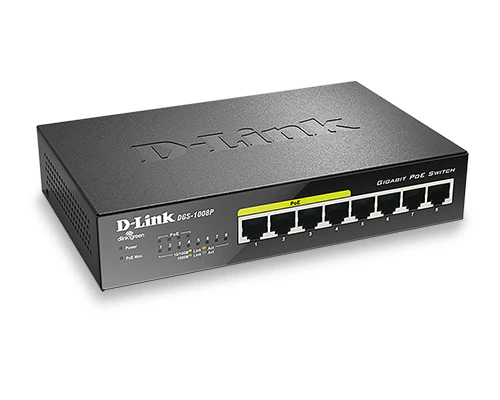
📌 What Is PoE?
- Ethernet cable carries data and power
🔧 Devices Powered by PoE
- IP Phones
- Wireless Access Points
- CCTV cameras
- IoT devices
🧠 Benefits
- No separate power cable
- Cleaner installation
PoE Switch ── Ethernet ── IP Phone
PoE = Power + Data on the same cable
📊 Quick Exam Comparison Table
| Port | Purpose |
|---|---|
| Console | Initial setup |
| Serial | WAN |
| Ethernet | LAN |
| Fiber | High-speed / Long distance |
| SFP | Flexible interface |
| USB | Config / Storage |
| PoE | Power + Data |